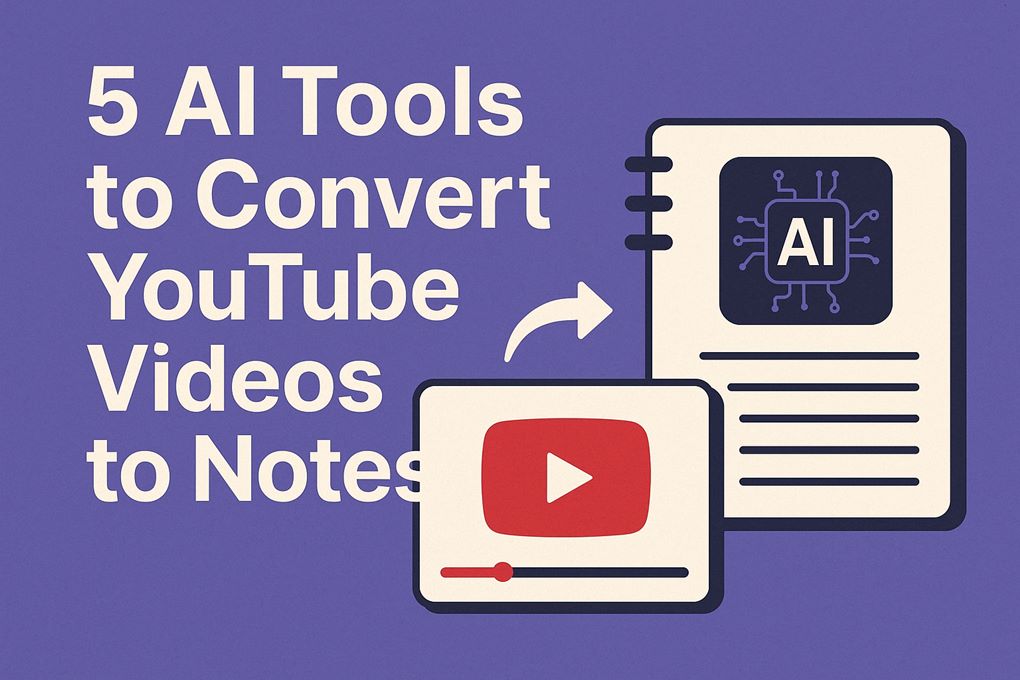
In today’s world, effective learning is essential. YouTube is full of knowledge.
But watching long videos takes time. What if you could turn those videos into short, easy to read notes?
Yes, it is possible now, with the help of AI tools.
In this blog, you’ll explore how AI tools convert YouTube videos into notes. You’ll also learn their benefits and how to use them effectively.
Let’s get started.
What are the Top AI Tools For Youtube Videos to Notes Conversion?
So, what is an AI tool for converting youtube videos to notes?
An AI tool to convert YouTube videos to notes is a smart software. It uses artificial intelligence to get key information from videos. It then sums up the video into text.
These tools use advanced technologies like Natural Language Processing (NLP). They also use speech to text conversion. This helps analyze the video’s audio and create structured notes.
Here are the top 5 AI tools to convert Youtube videos to notes:
- My Map
- Screen App
- Taskade
- Eightify
- Note GPT
Below is the detailed overview of these tools including pricing and feature updates:
1. My Map AI
Website: mymap.ai
Features:
- AI Mind Mapping: Converts videos into radial/flowchart-style maps
- Auto-Timestamping: Links map nodes to video segments
- Export Options: PNG, PDF, Markdown, text
- Integrations: YouTube, Zoom, Vimeo, local files
- Free Version: Yes (3 maps/month)
- Paid Plans: $9.99/month (unlimited maps + custom themes)
- USP: “Transform lectures into visual knowledge maps that mimic human cognition”
2. Screen App
Website: screenapp.io
Features:
- Smart Recording: Screen + webcam capture with AI annotation
- AI Notes: Generates summaries + bullet points with timestamps
- Knowledge Search: ChatGPT-style Q&A across recordings
- AI Assistant: Real-time meeting copilot
- Free Version: Yes (4 hours recording/month)
- Paid Plans: $15/month (unlimited recording, advanced AI)
- USP: “Record once – extract notes, summaries, and action items forever”
3. Note GPT
Website: notegpt.io
Features:
- Multi-Format Notes: Summaries, Q&A, flashcards
- AI Chat: Query video content like ChatGPT
- Smart Clipping: Bookmark key moments with auto-notes
- Sync: Notion, Obsidian, Readwise
- Free Version: Yes (1 hour video/month)
- Paid Plans: $12/month (10 hours video + GPT-4)
- USP: “Turn videos into interactive knowledge bases with AI chat”
4. Taskade
Website: taskade.com
Features:
- Unified Workspace: Notes, tasks, mind maps in one
- YouTube Summarizer: Chrome extension for instant notes
- Real-Time Collaboration: Team editing with comments
- Templates: 500+ for meetings/learning
- Free Version: Yes (3 AI credits/week)
- Paid Plans: $8/month (unlimited AI, custom workflows)
- Teams: $19/user/month (admin controls)
- USP: “Collaborative video notes that become actionable workflows”
5. Eightify
Website: eightify.app
Features:
- 1-Click Summaries: Instantly extracts 8 key points
- Multilingual: 50+ languages
- Mobile Apps: iOS/Android + Chrome extension
- Chapter Segmentation: Breaks into thematic sections
- Free Version: Yes (3 summaries/day)
- Paid Plans: $7.99/month (unlimited + citations)
- Lifetime: $49 (one-time payment)
- USP: “Get YouTube summaries faster than making coffee”
Youtube Videos to Notes Ai Tools – Comparison Snapshot
| Tool | Free Tier | Starting Paid Plan | Best For | Key Differentiation |
|---|---|---|---|---|
| My Map | 3 maps/month | $9.99/month | Visual learners | Mind map output |
| Screen App | 4 hrs recording | $15/month | Creators | Recording + notes in one |
| Note GPT | 1 hr video/month | $12/month | Researchers | AI chat with notes |
| Taskade | 3 AI credits/week | $8/month | Teams | Collaborative workspaces |
| Eightify | 3 summaries/day | $7.99/month | Casual users | Instant chapter summaries |
Related Tools:
Benefits of Using AI Tools
Here are some reasons why these tools are popular:
- Saves Time: Read a five-minute overview in place of a thirty-minute video.
- Improves Productivity: Quickly got the main points without missing details.
- Enhances Learning: Notes are easier to review and remember, than videos.
- Accessibility: Helps people who prefer reading over watching videos.
FAQs
1. How Does an AI Tool Convert YouTube Videos to Notes?
Let’s explore the process step by step:
- Audio Extraction: The tool extracts the audio from the YouTube video.
- Speech to Text Conversion: The audio is converted into text using AI.
- Summarization: The tool identifies key points and creates a short summary.
- Formatting: The notes are organized into headings, bullet points, or paragraphs.
2. How to transcribe a YouTube video into notes?
These tools can automatically extract the audio, convert it into text, and even summarize the key points.
Here’s how I do it step by step:
- Copy the YouTube video link.
- Paste it into the AI tool or upload the video file.
- Let the tool transcribe the audio into text.
- Use the tool’s summarization feature (if available) to get short, clean notes.
I always double-check the transcript for errors, especially if the audio quality isn’t perfect or there are multiple speakers.
2. Can you transcribe a YouTube video?
Yes, you can transcribe a Youtube video. There are several ways to transcribe a YouTube video. Some videos already have auto-generated captions, which you can view and copy directly from YouTube.
But if you want accurate results, use above mentioned dedicated AI transcription platforms. These tools handle timestamps, speaker labeling, and summaries much better than YouTube’s built-in captions.
If the video doesn’t have subtitles, AI transcription tools can still process the audio and generate text quickly.
Conclusion
AI tools to convert YouTube videos into notes are changing how we learn. They save time, improve productivity, and make learning easier. Whether you’re a student, professional, or content creator, these tools can help.
Try an AI tool today and see the difference!