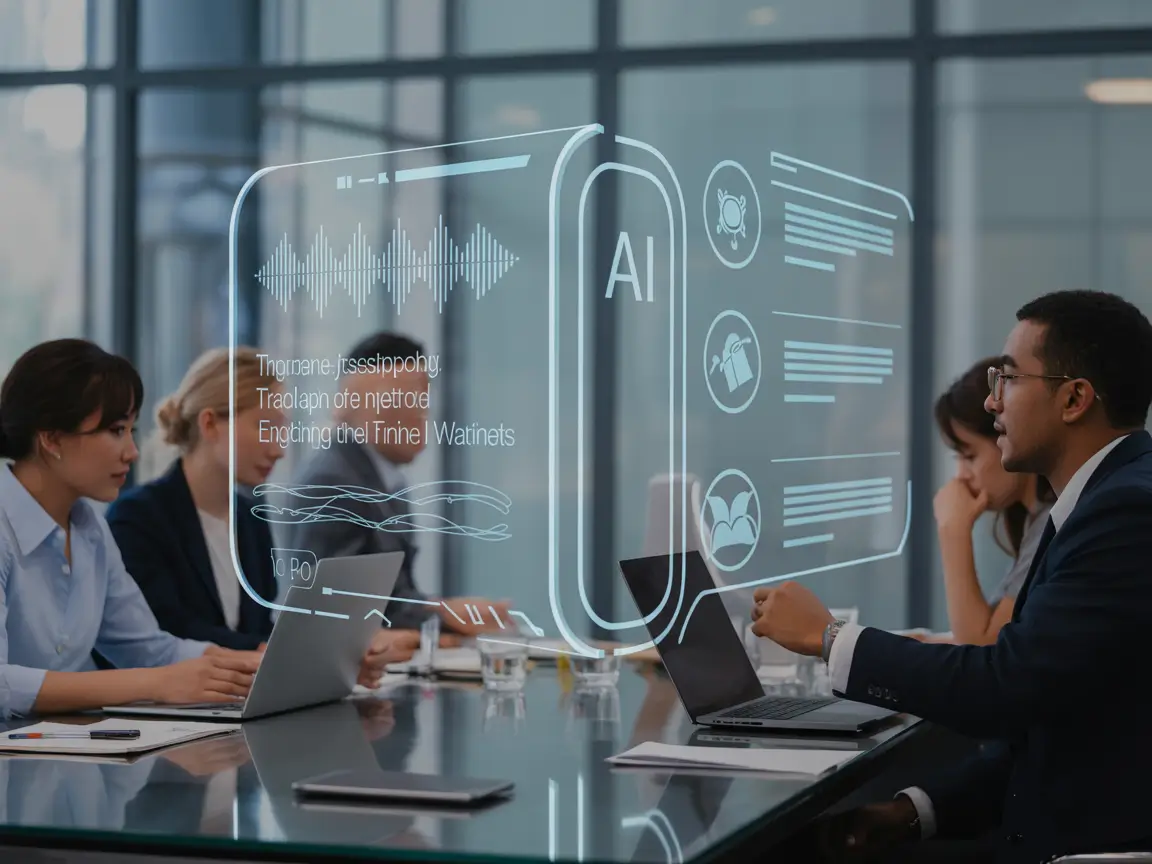
Meetings can be time-consuming, and we have to face it. I used to spend hours taking notes, tracking action items, and summarizing discussions. Then I discovered AI meeting assistants, and my workflow changed completely. These tools can transcribe conversations, highlight key points, generate summaries, and even suggest follow-ups, letting me focus on the discussion instead of juggling notes.
In this post, I’ll walk you through five AI meeting assistant tools I’ve tested and used, along with their standout features and why I recommend them.
What are Top 5 AI Meeting Assistants?
Here is the list of best AI meeting assistants:
- Otter AI
- Fireflies AI
- Read AI
- Krisp AI
- Noota AI
1. Otter AI
Best for: Real-time transcription and team collaboration
Otter is one of the most popular AI meeting assistants. It is use to transcribe live meetings, generate searchable notes, and share summaries with my team. It works seamlessly with Zoom, Google Meet, and Microsoft Teams.
Key Features:
- Real-time transcription
- Highlight and comment on transcripts
- Integrates with Zoom, Teams, and Google Meet
- Shareable meeting summaries
Why I like it: Otter saves me from manual note-taking and ensures I never miss action items.
2. Fireflies AI
Best for: Automated meeting capture and follow-ups
Fireflies records meetings automatically, transcribes the conversation, and even highlights important moments. I especially like its ability to integrate with CRMs, so action items are linked directly to projects.
Key Features:
- Automatic transcription and summarization
- Integrations with Slack, Zoom, and Salesforce
- AI-generated action items and highlights
- Voice commands to start recording
Why I like it: It reduces post-meeting work and ensures everyone on my team is on the same page.
3. Read AI
Best for: Analytics-driven meeting insights
Read AI goes beyond transcription. I use it to analyze meeting patterns, participant engagement, and talk time, which helps me improve how I run and participate in meetings.
Key Features:
- Engagement scoring and analytics
- Automatic transcription
- Actionable meeting insights
- Integration with video conferencing platforms
Why I like it: It’s perfect when I want data-backed insights to make meetings more productive.
4. Krisp AI
Best for: Noise cancellation during calls
It is my go-to for meetings in noisy environments. It removes background noise in real time, making it easier to hear and be heard. It also has a transcription feature, though its focus is more on audio quality.
Key Features:
- Real-time noise cancellation
- Mute background sounds from participants
- Works with Zoom, Teams, Slack, and more
Why I like it: If I’m in a busy café or shared workspace, Krisp ensures meetings remain professional and clear.
5. Noota AI
Best for: Quick summaries and action items
Noota AI automatically transcribes and summarizes meetings, highlighting important points and tasks. I use it when I want a condensed summary to quickly review discussions.
Key Features:
- AI-generated meeting summaries
- Action item extraction
- Integration with Zoom and Google Meet
- Multi-language transcription
Why I like it: Noota saves me time by giving me the key takeaways immediately after the meeting ends.
Comparison Table of Best AI Meeting Assistants
| Tool | Best For | Key Features | Integrations | Ease of Use |
|---|---|---|---|---|
| Otter AI | Transcription & collaboration | Real-time transcription, highlights, searchable notes | Zoom, Google Meet, Teams | Very easy |
| Fireflies AI | Automated capture & follow-ups | AI summaries, action items, voice commands | Zoom, Slack, Salesforce | Easy |
| Read AI | Analytics-driven insights | Engagement scoring, talk time, meeting insights | Zoom, Teams | Moderate |
| Krisp AI | Noise cancellation | Remove background sounds, better audio quality | Zoom, Teams, Slack | Very easy |
| Noota AI | Quick summaries | AI-generated summaries, action items | Zoom, Google Meet | Easy |
Why I Use AI Meeting Assistants
AI meeting assistants have saved me hours of post-meeting work. I no longer stress about missing action items or struggling to take notes while actively participating. They also make remote collaboration smoother and more professional.
Here’s why I recommend them:
- Efficiency: Auto-transcription and summaries reduce admin work.
- Accuracy: I get precise notes, even in long meetings.
- Insights: Analytics help improve engagement and meeting quality.
- Accessibility: Easy sharing ensures everyone has access to summaries and action items.
FAQs
1. What is an AI meeting assistant?
An AI meeting assistant is a tool that records, transcribes, summarizes, and analyzes meetings automatically. It helps participants focus on the discussion instead of note-taking.
2. Can AI take meeting notes for me?
Yes tools like Otter, Fireflies, and Noota automatically create notes and summaries during or after your meetings. You can share them with your team immediately.
3. Are AI meeting assistants accurate?
Accuracy depends on audio quality, accents, and background noise. Most top tools like Otter and Fireflies are highly accurate, especially in clear audio environments.
4. Can AI meeting assistants integrate with Zoom or Teams?
All the tools I listed work with popular platforms like Zoom, Microsoft Teams, and Google Meet, allowing automatic transcription and summaries.
5. Do AI meeting assistants help with productivity?
I save hours of manual work, track action items easily, and can review summaries quickly. They make meetings more efficient and ensure follow-ups are clear.